
GPT Image 2 Image Generator
GPT Image 2 from OpenAI is built around instruction following. On Mopi AI it covers text to image and image edit, so you can describe a scene precisely or hand it an image with a written change. It suits briefs with several constraints, such as layout, object placement or a specific list of elements that must all appear.
Image Output
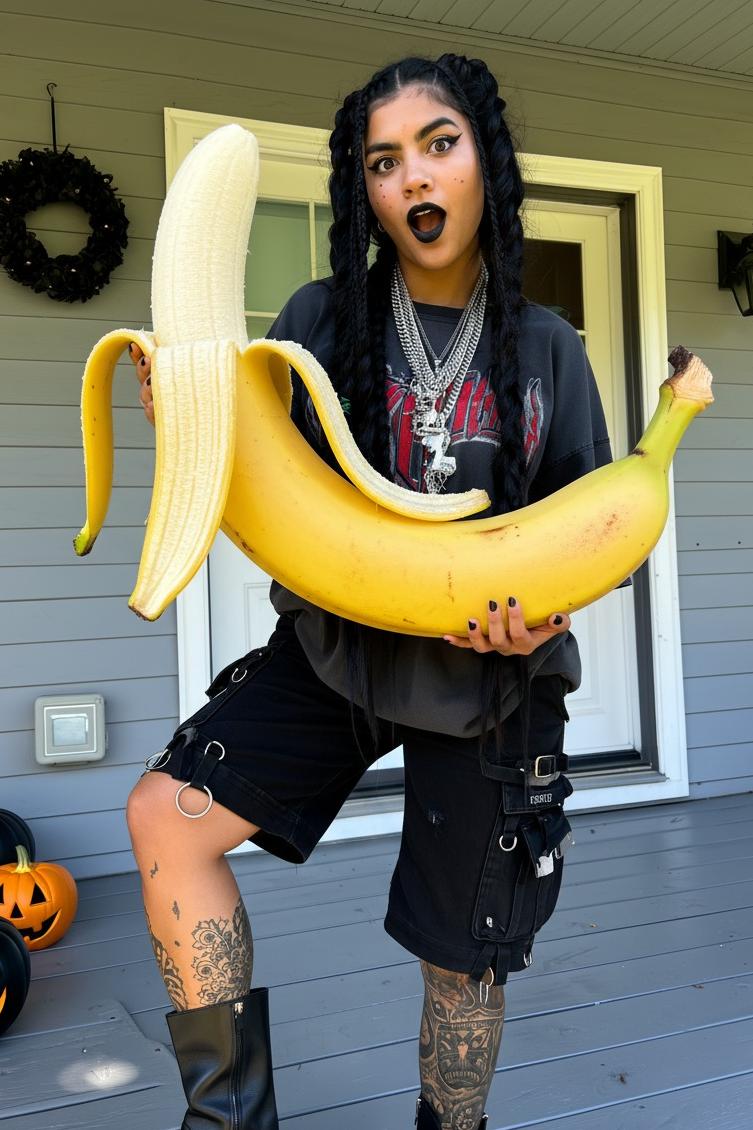
Instruction following
Prompts with rules and constraints are the reason to choose GPT Image 2.
Text and edit modes
Generate from a description, or apply an instruction to an image you already have.
Constraint-heavy briefs
Built for prompts that list what must appear and what must stay out of frame.
GPT Image 2 FAQ
How do I use GPT Image 2 on Mopi AI?
Choose text to image or image edit, write the instruction or upload the image, set the parameters available, and review the credits shown before generating.
What is GPT Image 2 best for?
Briefs with many explicit requirements, where following the instruction matters as much as the visual style.
Does GPT Image 2 generate video?
No. It is text to image and image edit only. For motion, use Kling v3, Seedance 2.0 or Wan 3.0.