• LogoMopi AI
AI Tools
  • Home
  • AI Image
  • Text to Image
  • Image Edit
  • AI Video
  • Text to Video
  • Image to Video
  • Reference to Video
  • Motion Control
  • Video Extend
  • Models
  • Wan 2.7
  • Wan 2.7 Pro
  • Wan 3.0
  • Wan 2.6
  • Wan 2.5
  • Wan 2.2
  • Kling v3
  • Seedance 2.0
  • Seedream 5.0 Pro
  • Seedream 5.0 Lite
  • Seedream 4.5
  • Nano Banana
  • Nano Banana Pro
  • Nano Banana 2
  • FLUX Dev
  • GPT Image 2
  • My Creations
  • Get more creditsSAVE 50%
  1. Home
  2. Models
  3. FLUX Dev
Home/Models/FLUX Dev

FLUX Dev Image Generator

FLUX Dev from Black Forest Labs is a text to image model with a reputation for following long, specific prompts. On Mopi AI it is the single-mode option: describe the image in detail, including style, lighting and composition, and generate. Because there is no edit mode, plan to get the prompt right rather than fix it afterwards.

Text to Image
Outputs
Prompt
Aspect Ratio
Size

FLUX Dev uses official size presets based on the selected aspect ratio. Pricing is fixed per image.

1280\u00D7720

Image Output

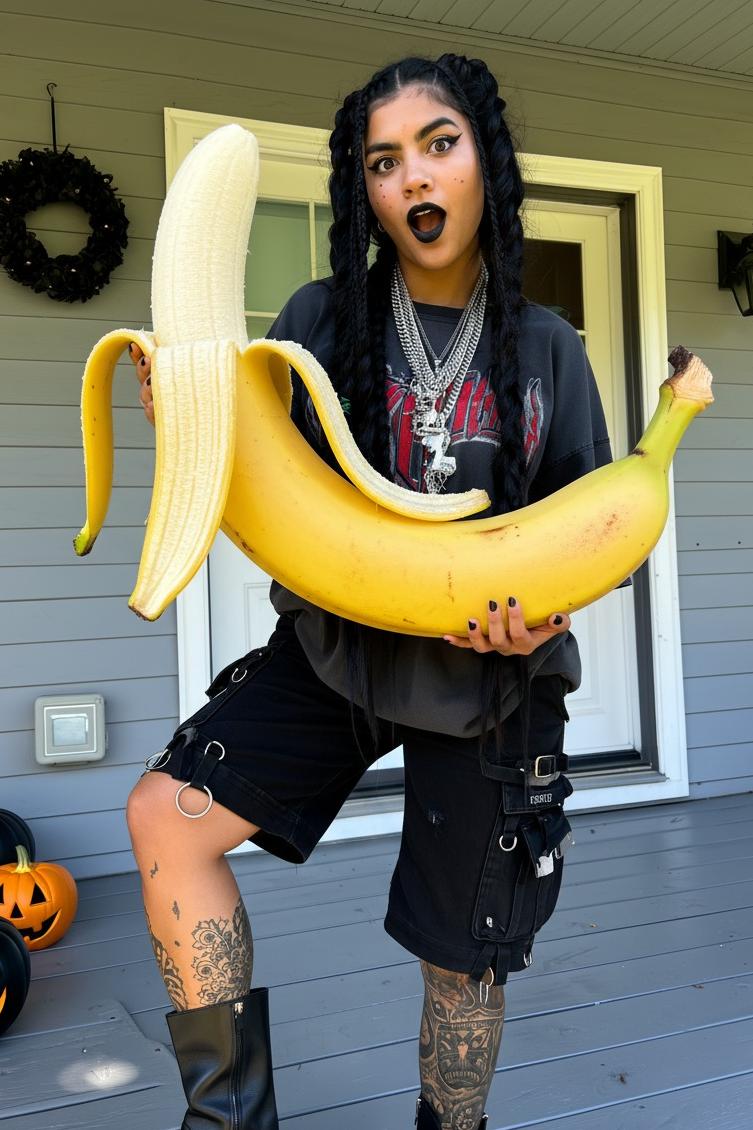
Sample
2K

Prompt fidelity

Detailed, layered prompts are the reason to reach for FLUX Dev rather than a general model.

Style range

Describe a photographic look, an illustration or a graphic treatment in the prompt itself.

Single focused mode

Text to image only, so there is no mode decision to make before you start writing.

FLUX Dev FAQ

How do I use FLUX Dev on Mopi AI?

Open the FLUX Dev page, write your prompt in the text to image field, set the exposed parameters, and check the credits shown before generating.

What is FLUX Dev best for?

Prompts with several specific requirements: subject, style, lighting and composition described in one long instruction.

Can FLUX Dev edit an uploaded image?

No. It only offers text to image. To change an existing picture, use a model with image edit, such as Nano Banana or Seedream 4.5.

Related models and tools

  • Wan 2.7
  • Wan 2.7 Pro
  • Wan 3.0
  • Seedance 2.0
  • Text to Image
LogoMopi AI

Empowering creators with AI.

support@mopiai.com
Powered byMopi AI
Product
  • Features
  • Pricing
  • FAQ
Legal
  • Cookie Policy
  • Privacy Policy
  • Terms of Service
  • Acceptable Use Policy
  • Content Moderation Policy
  • Refund Policy
AI Tools
  • Text to Image
  • Image Edit
  • Text to Video
  • My Creations
Support
  • Contact Us
  • support@mopiai.com
  • FAQ
© 2026 Mopi AI. All Rights Reserved.

Disclaimer: Mopi AI is an independent AI platform and is not affiliated with, endorsed by, or sponsored by Alibaba.